
Knowledge Base
FAQ – Xero, Organisation Setup
Last updated on March 26th, 2024
Xero Connectivity
Q: How do I connect my organisation? I don’t have a Gojee account yet.
A: To create a Gojee account, all you need to do is click the “Sign Up with Xero” button on the Gojee login page:
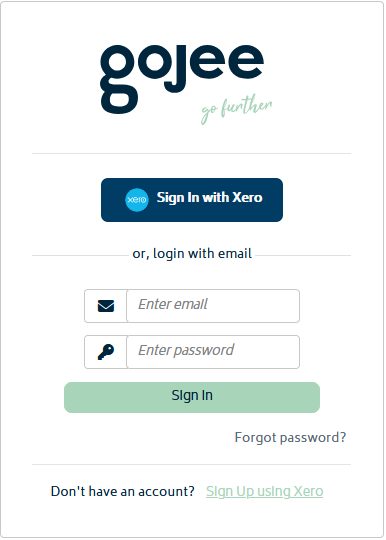
This will prompt you to link a Xero organisation. Once the organisation is linked, your Gojee account will be created, and you will be able to use the “Sign In with Xero” button on the Gojee login page.
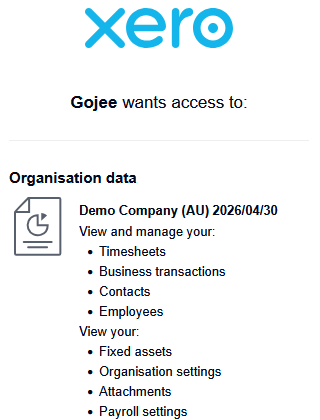
We recommend choosing a Xero demo company to start off with rather than your real organisation, as this will give access to the Learning Center and won’t affect anything in Xero for your main business. You’ll be freely available to try out all the features in Gojee prior to linking your real organisation.
Q: How do I start the free trial?
A: You will automatically receive a free trial of Gojee upon linking a Xero demo company as noted above. The Gojee trial length is 14 days, and can be extended on request.
Note that Xero demo companies have a lifespan of 30 days before Xero automatically resets them. If you need more time or are using the demo company for training purposes, you can connect the new company to Gojee and this will give you a new trial.
Q: My trial expired. How do I connect a new Xero demo company?
A: To connect a new demo company, do the following:
- Reset your Xero demo company from within Xero.
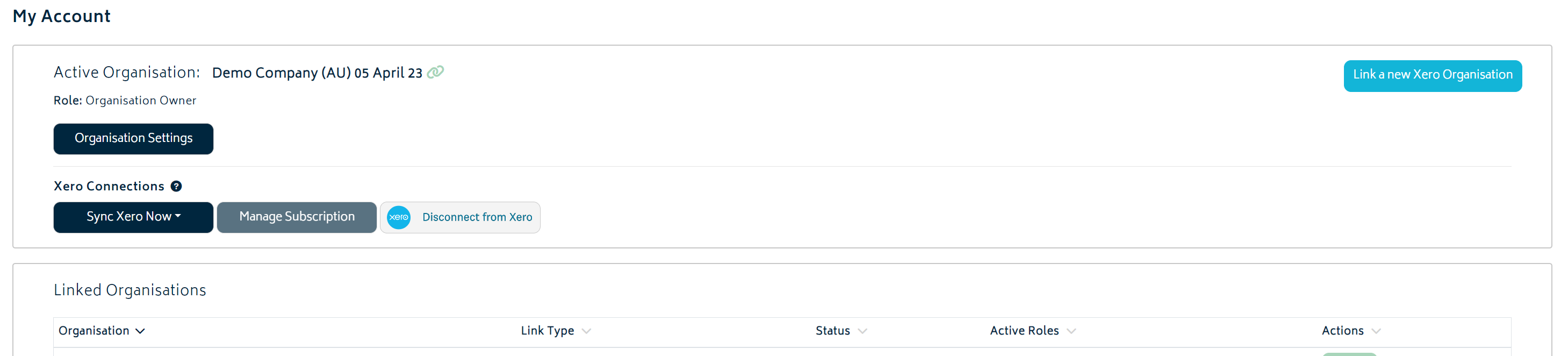
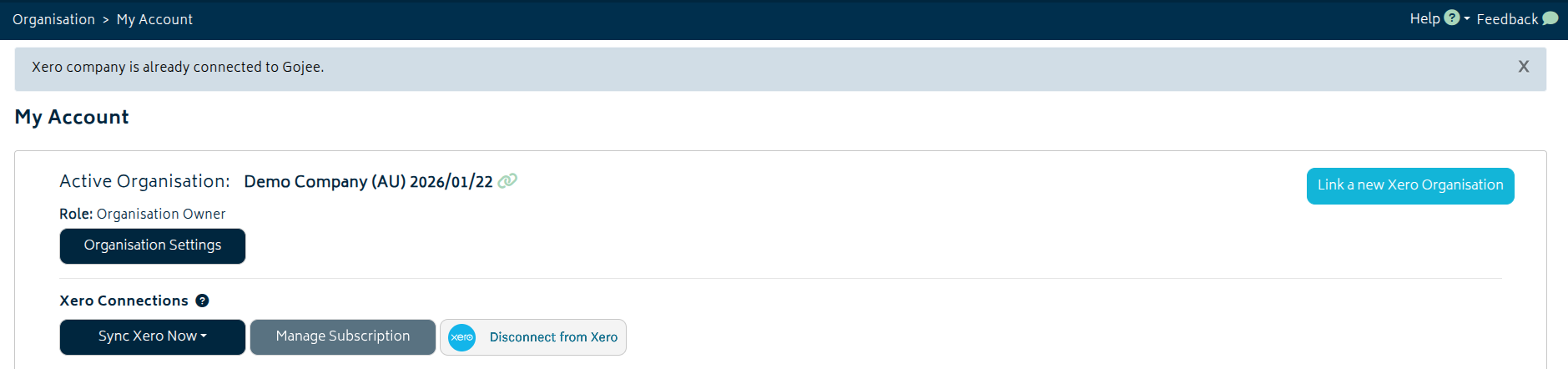
- Click on Link a new Xero Organisation under the My Account page:
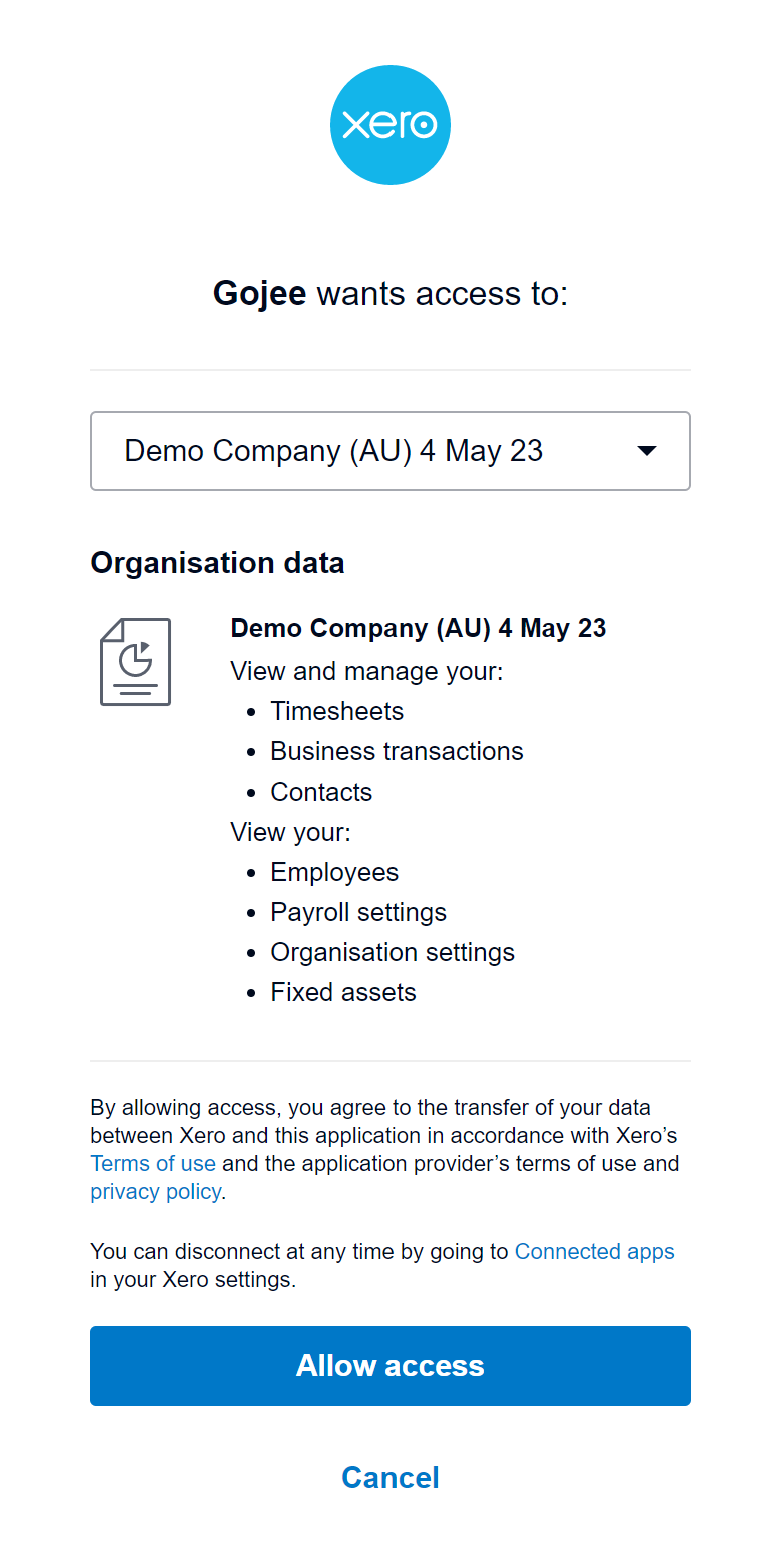
- Select the new demo organisation from the list:
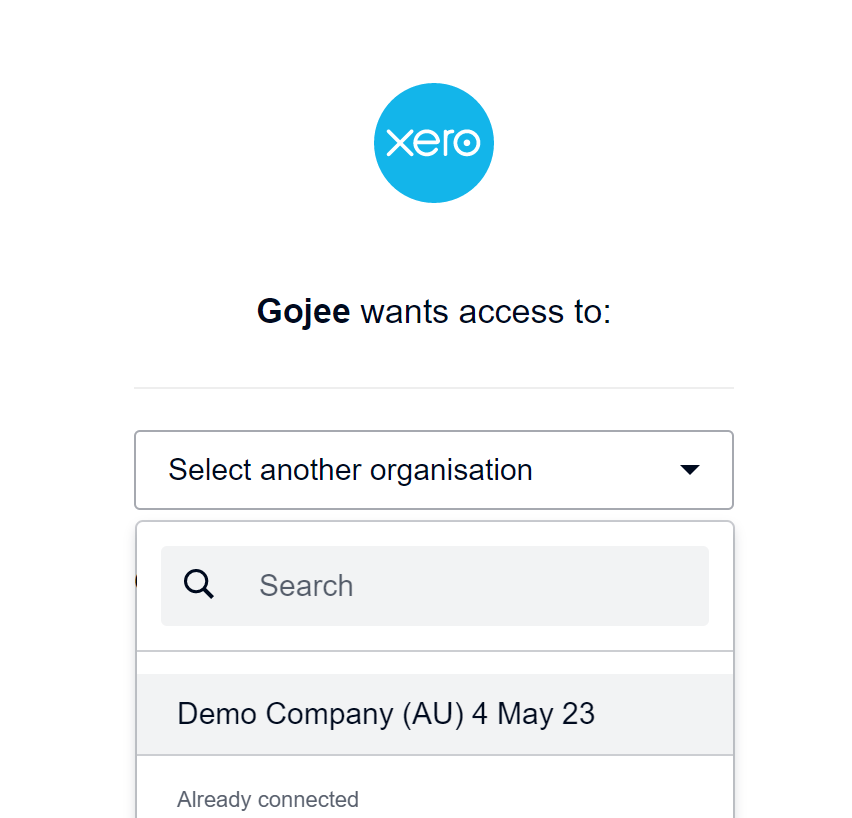
Click “Allow Access”.
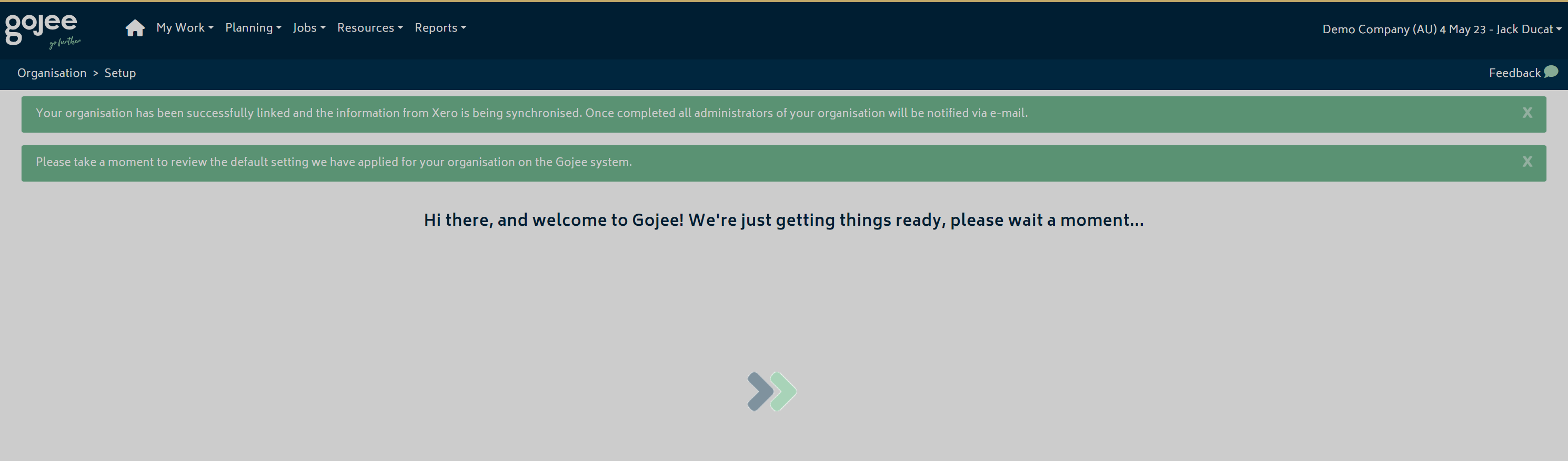
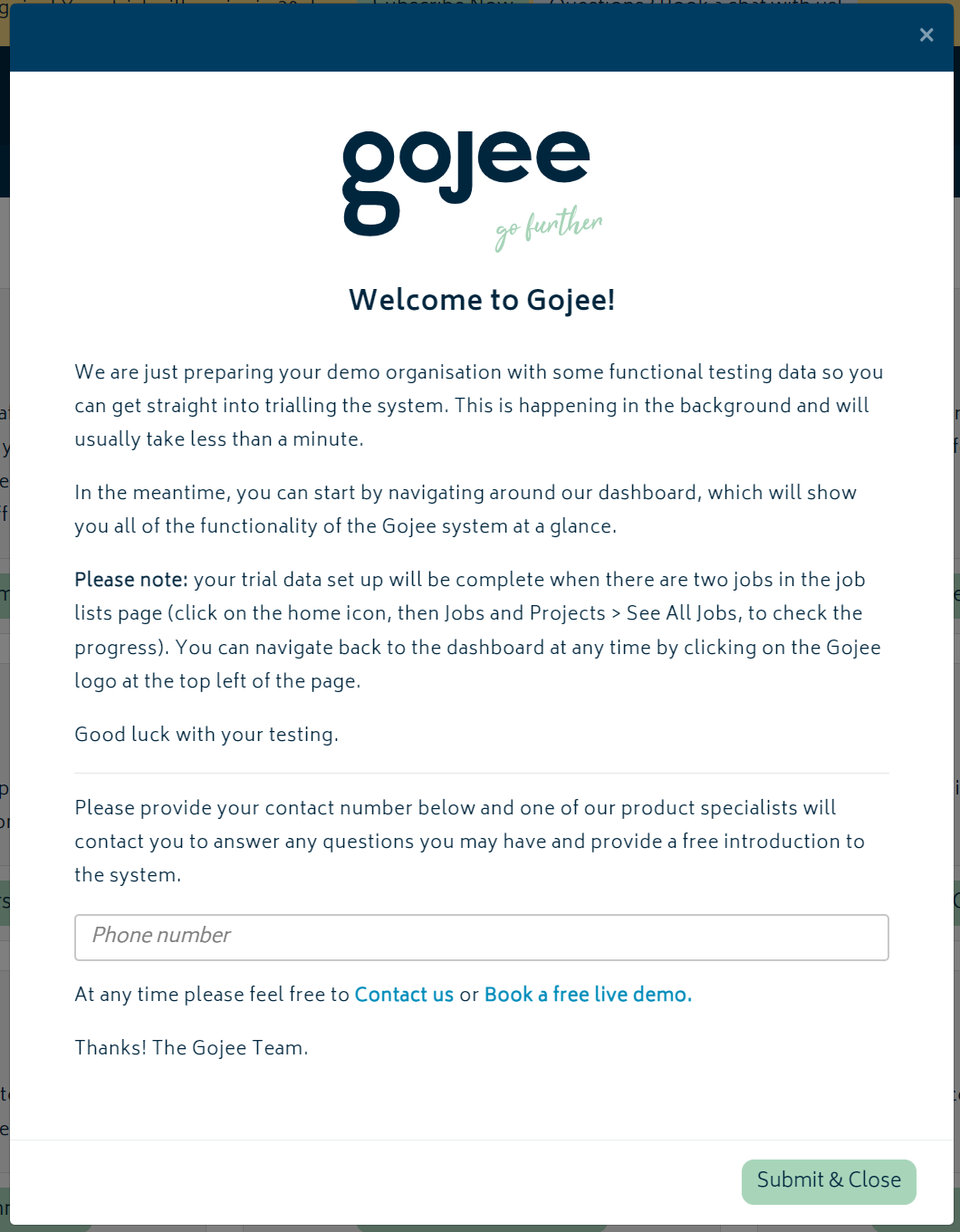
Enter your phone number, then hit “Submit and Close”. Your new demo company will now be linked to Gojee.
Q: I keep running into an error that says “Xero Authentication Issue” and I can’t save jobs, update contacts, create invoices, or do anything involving Xero.
A: Your Gojee company most likely has become disconnected from Xero. The organisation owner will need to reconnect it.
When a staff member encounters a Xero connection or authorisation issue while using Gojee, they will see an alert explaining that the organisation owner needs to reconnect Xero. If you are the organisation owner, the alert will provide an option to reconnect to Xero directly. If the error is instead encountered by staff, the organisation owner will receive an email to notify them of the issue.
You can also follow the steps above for connecting a new Xero company. You can check the link status with the link icon next to your company’s name.
On clicking the “Reconnect to Xero” button from the alert or the “Link a new Xero Company” button from the My Account page, select your company from the list (if it appears) and click Allow Access:
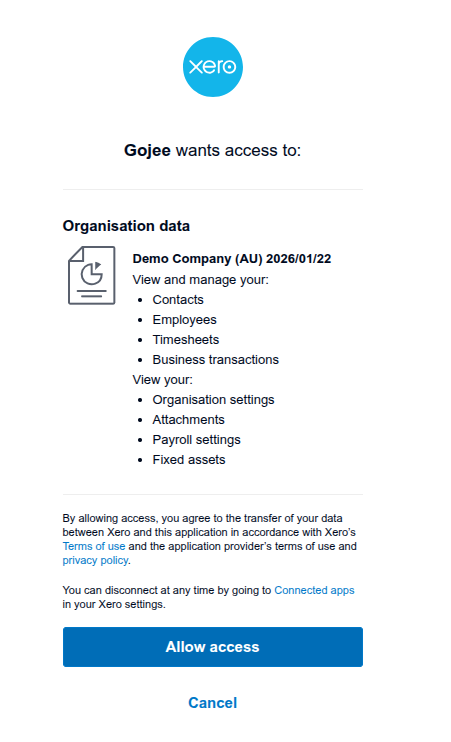
This should re-establish the connection. You will be able to tell it worked if the link icon appears green.
If this does not resolve the issue, you will need to go into your Xero file and try to disconnect Gojee from it to sync up the state between the two.
From the organisation’s file in Xero, you can go to the Connected Apps page and see if Gojee is still connected. Once you’re there, click “Disconnect” and then try the “Connect a new Xero organisation” step again.

This should allow Xero to note that it’s not already connected and you’ll be able to select it. Please note that the reconnection step will need to be done by the original account that connected Xero to Gojee, as this account is the organisation owner. If you need to change this because you do not have access to the original account, please contact Gojee.
Xero Sync and Data Transfer
Q: How do we handle GST in Gojee vs. Xero?
A: Gojee requires ex-GST unit prices. Unlike Xero, there’s no inclusive/exclusive GST toggle. When suppliers provide GST-inclusive prices, users must manually calculate the ex-GST amount.
Q: Are Xero and Gojee inventories the same?
A: No. Gojee maintains its own inventory records and stock movements. Xero remains the accounting system, with Gojee using mapped GL accounts to post the financial effect of inventory activity. In practice, operational inventory control should be managed in Gojee rather than split across both systems.
Q: How I can export our current Gojee inventory items back to Xero?
A: Gojee’s inventory system is separate from Xero, so if you want to import items back into Xero you’ll need to export Gojee’s inventory items as a CSV and change the names of the columns. If you are using Excel, Calc, or a similar spreadsheet application this is not difficult. If your inventory items in Gojee have the same item codes as they do in Xero, you can paste the columns from the Gojee export into the example CSV from Xero.
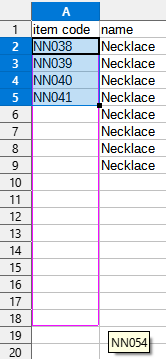
If you have different item codes, you can use your spreadsheet application to sort the rows and then do batch fill operations on groups of cells in order to fill in the correct item codes.
Q: Is the Xero sync real-time?
A: Not in a blanket sense. Some Gojee actions can push data to Xero as part of the workflow, but Xero-to-Gojee updates are also brought in through scheduled syncs. A practical way to think about it is immediate push for many Gojee-originated actions and scheduled pull for Xero-originated updates. If you need a faster refresh for supported data sets, use the manual Sync Now option.
Q: Does editing a quote in Xero push changes back to Gojee?
A: No — the sync is one-way (Gojee → Xero). Edits in Xero won’t propagate back to Gojee. If a quote needs to change in a way that affects prices or line items, you should always edit the BOM in Gojee and generate a new quote from that.
Q: Do all Xero supplier bills sync into Gojee?
A: Yes. All Xero supplier bills sync into Gojee, and there is no current filter by supplier or bill type. Bills that are not relevant to Gojee purchasing still need to be cleared through your bill-processing workflow.
Organisation Setup
Q: What GL accounts do we need to configure?
A: At minimum you need the income, cost of sales, expense, and inventory asset accounts that support your inventory and job workflows. Depending on the add-ons you use, you may also need accounts for WIP, retentions, or other advanced processes. These accounts must exist in Xero before they can be mapped in Gojee, and Gojee can only map accounts that have already been synced from Xero.
Q: What add-ons do we need for our business?
A: That depends on your workflow. Common add-ons include Variations, Progress Claims and Retentions, Advanced Payroll, Manufacturing Management, Multi-Currency, Multiple Units of Measure, Automatic Supplier Bill Reconciliation, and Square Payments. Enable only the modules that match your operating model.
Q: How do we handle tax in Gojee vs. Xero?
A: Gojee works with tax-exclusive unit prices, and the tax treatment on the resulting transaction is driven by the Xero account mappings used for the line items. If a supplier provides tax-inclusive pricing, convert it to the tax-exclusive unit cost before entering it. Ensure inventory asset accounts and sales accounts are tax on expenses to ensure tax information is correct on purchase orders.
Gojee Subscription and Payment
Q: Is the onboarding fee mandatory?
A: Not strictly. Gojee offers a basic free onboarding tier for setup, with paid training packages available when you need more structured onboarding support. The free tier is intended for initial organisation setup rather than full process design or extended training. Training hours are valid for 12 months.
Q: Are there long-term contracts?
A: Gojee generally operates on a 30-day rolling subscription. Annual arrangements are also available, but the core model is not built around long lock-in periods.
Q: How do we handle multiple companies/organisations?
A: Each Xero company maps to a separate Gojee organisation. Inventory, jobs, settings, and add-ons are managed per organisation, and add-on pricing is also applied per organisation. Users can be granted access to multiple organisations, but the operational data remains separate in each one.


